Your Guide to the DejavooExtra POS Terminal!
This guide helps you quickly start using the combined your DejavooPOS Terminal with the DejavooExtra Loyalty Program capabilities. Enjoy streamlined operations by managing loyalty enabled payment transactions from a single device!
You're just simple steps away from making a loyalty transaction with your customers:
Access to the DejavooExtra Loyalty Program features on your DejavooPOS device.
Enroll your customers in the DejavooExtra Loyalty Program as Loyalty Members. You will find the details here.
Complete rewarding sales with multiple payment options. You will find the details here.
Accessing the loyalty enabled payments on your Dejavoo POS Terminal
To make every payment a rewarding experience for your customers, make sure to switch to DejavooExtra on your Dejavoo POS device:
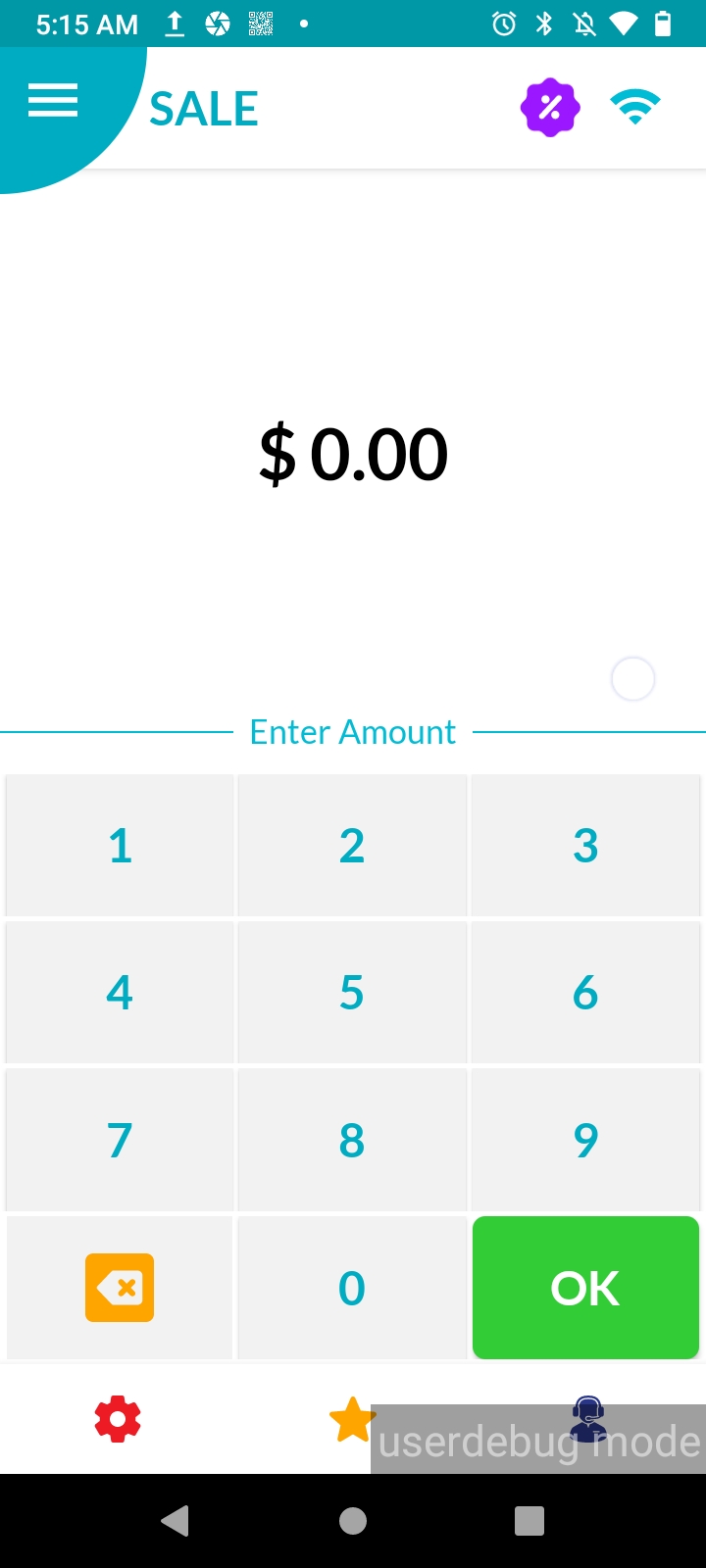
Launch the “Dvpaylite” application.
Switch from the Dejavoo POS Home screen to the DejavooExtra POS Loyalty Home screen by clicking the loyalty icon located in the top right-hand corner of the screen.
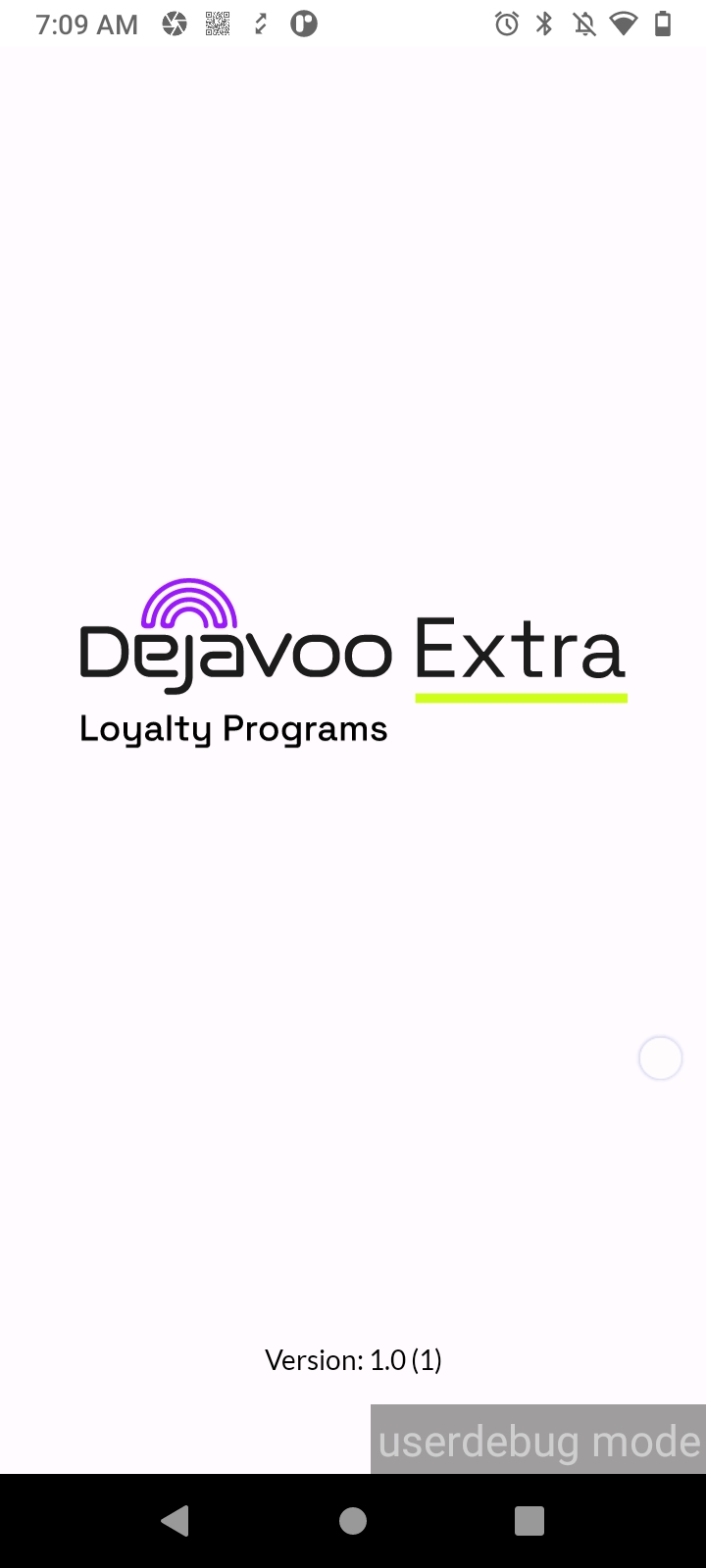
When you click on the loyalty icon, you will briefly see the interface screen displaying “DejavooExtra Loyalty Programs” while transitioning from the Dejavoo POS Home screen to the DejavooExtra POS Loyalty Home screen.
Display the following items on the Loyalty Home screen: “Collapsed” menu, “Cart” icon, “Amount Entry” field, “Back” and “OK” buttons.
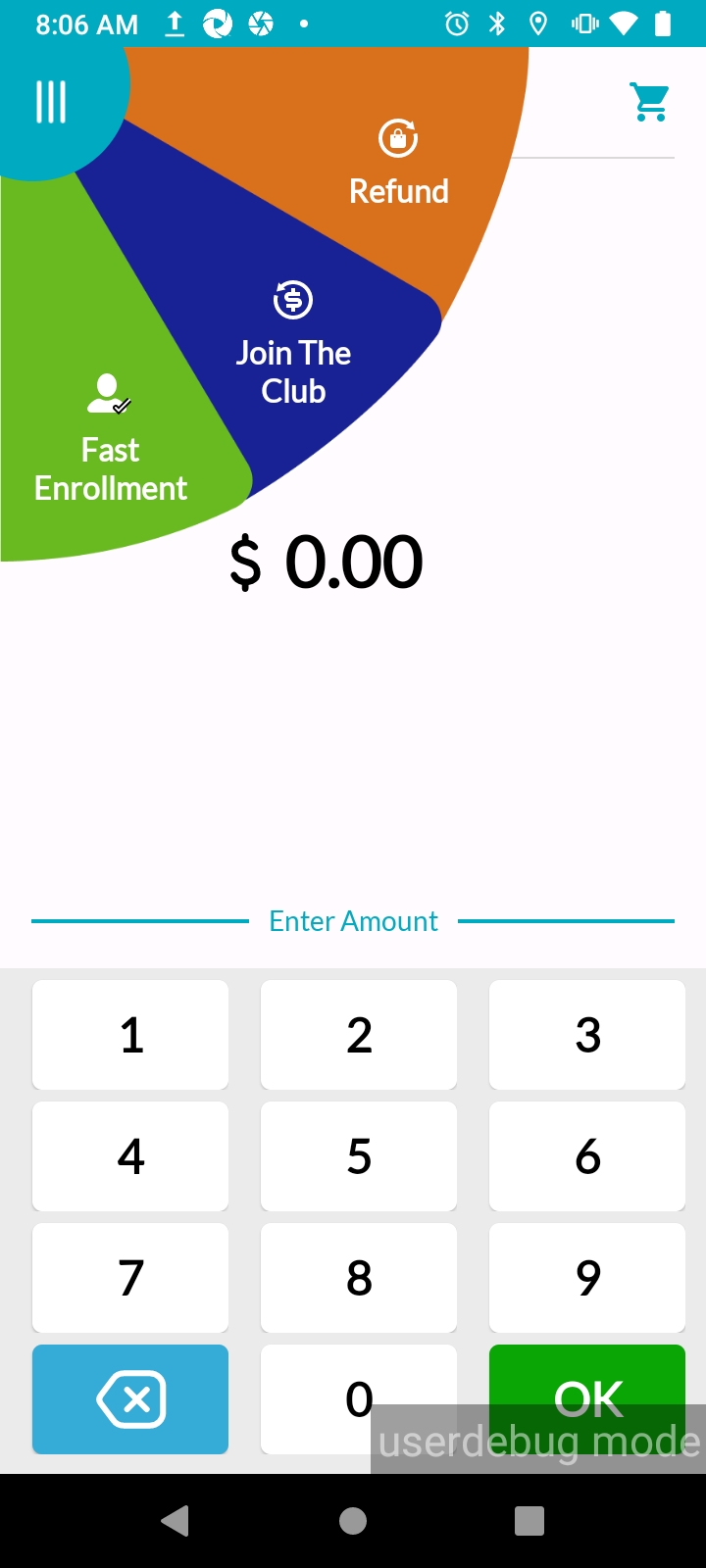
Now your device is ready to process loyalty transactions. All you need is to start inviting your customers to join our DejavooExtra Loyalty Program by enrolling them in the system🚀.